 Gold POS
Run your jewellery shop from your phone.
Stock with QR tags that wrap round a ring, invoices on your own letterhead, prices in tola, masha and ratti, and your real profit on every sale. Nothing to install on a computer.
Built around how a jewellery shop really works
Not a generic till with a gold sticker on it. Every screen follows the trade: net and gross weight, polish, making, wastage, advance and balance.
QR tag on every item
Add an item and its QR code is made for you. Print the tag, scan it at the counter, and the item is in the sale. Sold means out of stock, automatically.
Your letterhead, your logo
Invoices print on your own header and footer with your logo, address and note. Customers sign on the screen and the signature is saved on the bill.
Tola, masha, ratti
Price by the tola or the gram. Weights show in grams and in tola-masha-ratti, with net weight, polish and gross weight kept apart the way you quote them.
Profit on every sale
Purchase cost against selling price, for each item and in total, with a running profit and loss. Staff can sell without ever seeing your costs.
Live inventory
See everything at once: available, sold, by category, who bought what and when. Search by code, name, purity or customer.
Advance & balance
Take an advance, print the balance on the bill, and collect the rest later. Returns and mistakes are handled: edit a bill, or void it and the item goes back to stock.
Owner and staff
Give every staff member a login. Owners see costs, profit and reports; staff add stock and sell. An activity log shows who did what.
Safe and separate
Every shop's records are kept completely separate, backed up daily, and sent over HTTPS. Purchase records with CNIC photos are visible to the owner only.
A tag that survives a ring
A flat sticker bends round a ring and the QR code cracks. Gold POS prints a wrap-around tag: the QR code on one flat end, the details on the other, and a blank neck in the middle that goes round the band.
- Fold the neck and the two sides stick back to back, like a flag
- Shows net and gross weight, polish, making and other charges
- Prints on a normal printer or a label printer, at true size
- Your purchase cost is never printed on a tag
 A real Gold POS tag: QR code, blank neck to wrap, details.
From new stock to printed invoice
Add the item
Name, weight, purity, photo, and your costs. The QR code is created for you, and you print the tag in one tap.
Scan to sell
Scan the tag with the phone camera. Set the day's rate, add making or a discount, take an advance if needed.
Print the invoice
A professional bill on your letterhead, signed by the customer on screen. Stock updates and your profit is recorded.
Clean enough for the counter, complete enough for the owner
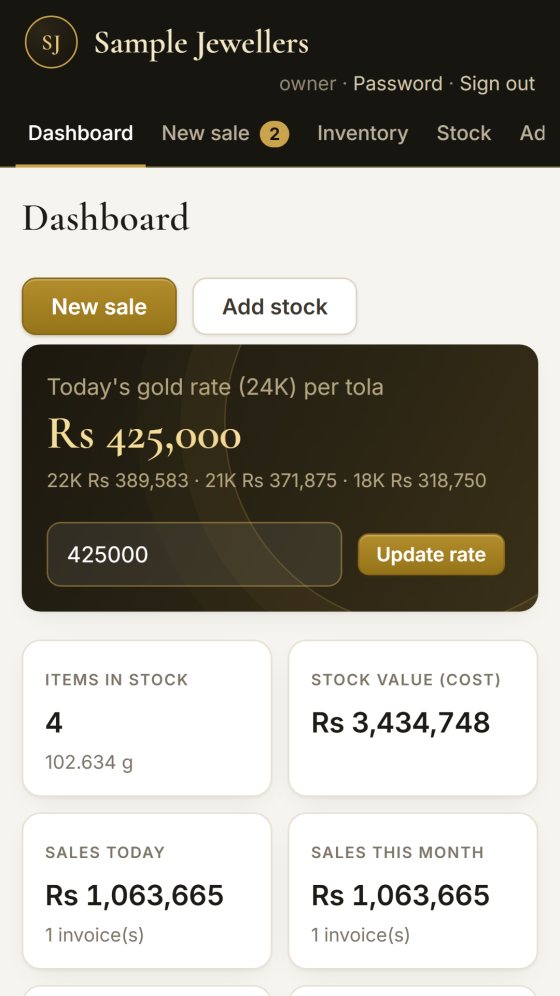
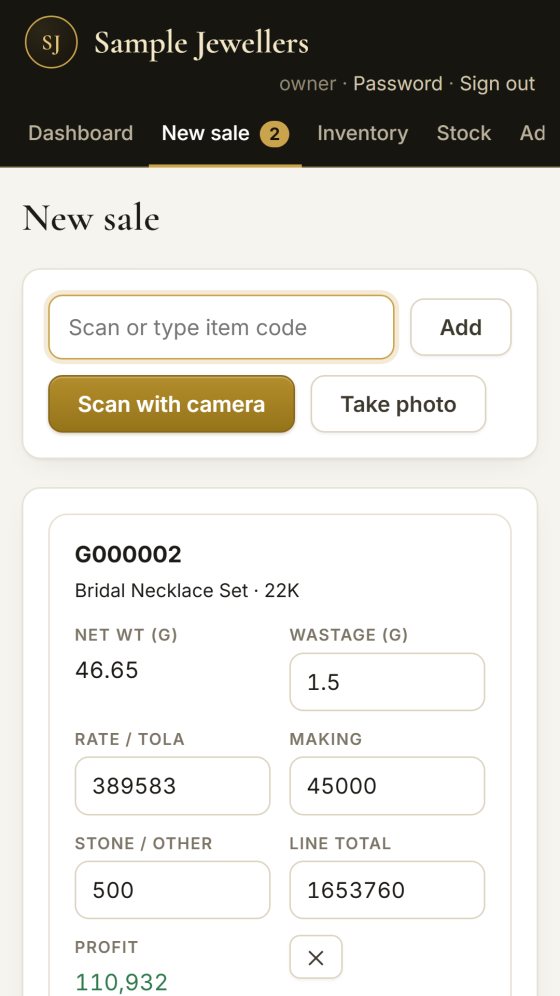
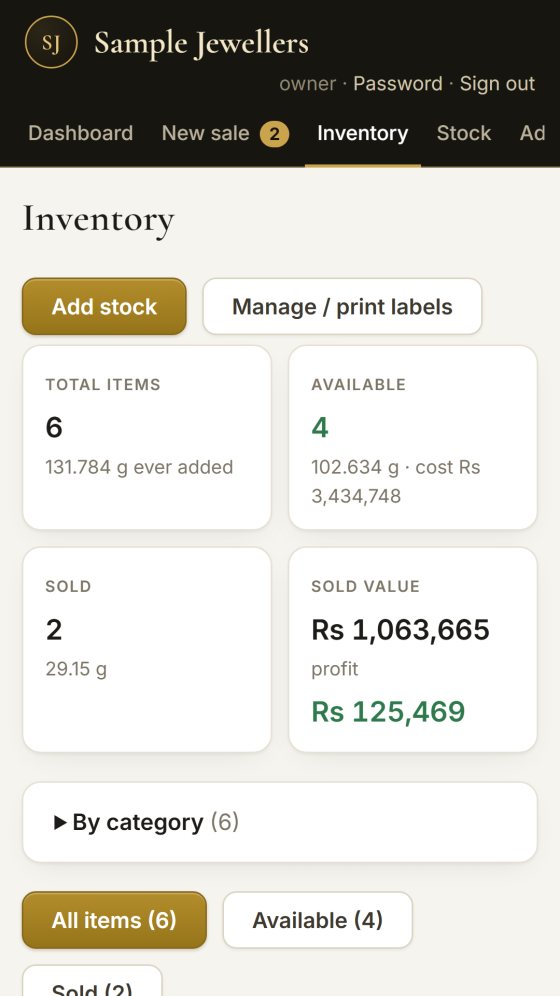
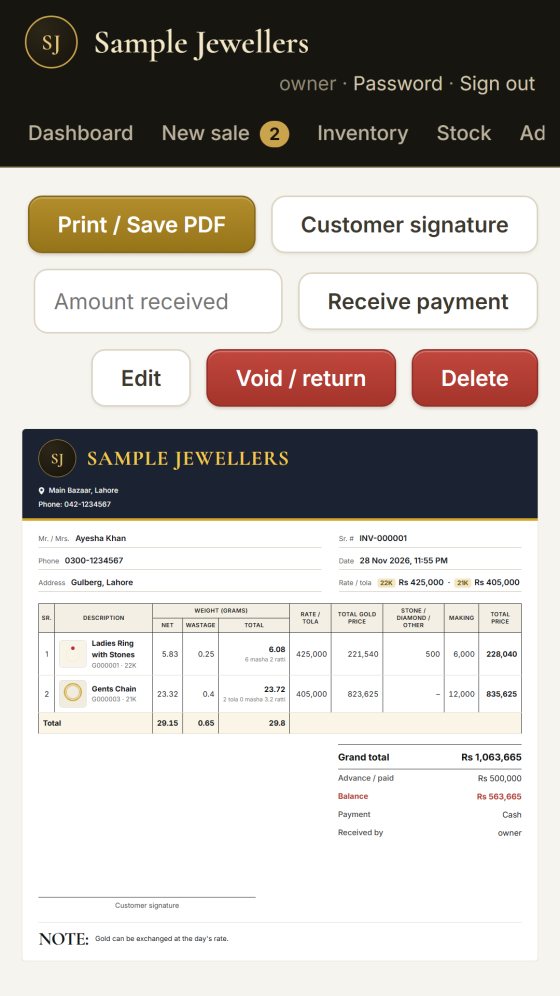
Use it where you stand
The same shop, the same data, on any device with a browser and the internet.
Gold POS app
A dedicated Android app is coming to Google Play. Until then, open your shop in Chrome and tap Install app on the sign-in page.
Add to Home Screen
Open your shop in Safari, tap Share, then Add to Home Screen. It opens full-screen like an app, with your shop's name and logo.
Any browser
Use it on the shop's PC too: print invoices and tags, export reports to Excel, and manage staff and settings on a bigger screen.
Good to know
Do I need to install anything or buy special hardware?
No. Gold POS runs in the browser of the phone, tablet or computer you already have. For printing tags and bills you can use an ordinary printer or a label printer.
Can my staff see my profit and what I paid for gold?
No. Staff logins can add stock and sell, but costs, profit and reports are visible to owner logins only. Seller CNIC details and photos on purchases are owner-only as well.
Can I use my own letterhead and logo?
Yes. Your logo, shop name, addresses, proprietor name and the note at the bottom of the bill are all set up for your shop, and invoices print on it.
Does it work without internet?
Gold POS needs an internet connection, because your data is kept safely online and backed up every day. If the connection drops, the app shows a message and carries on when it returns.
Is my data separate from other shops?
Yes. Every shop has its own database. One shop can never see another shop's records.
What if I sell the wrong item or a customer returns something?
Open the bill and edit it, or void it. The item goes back into stock automatically, and the correction is recorded in the activity log.
How much does it cost?
Each shop has a simple monthly plan. Get in touch and we'll tell you the price and set up your shop, with your letterhead, in one go.
Ready to see it with your own stock?
Tell us about your shop and we'll set it up: your name, your letterhead, your staff logins. We're happy to show you a live demo first.